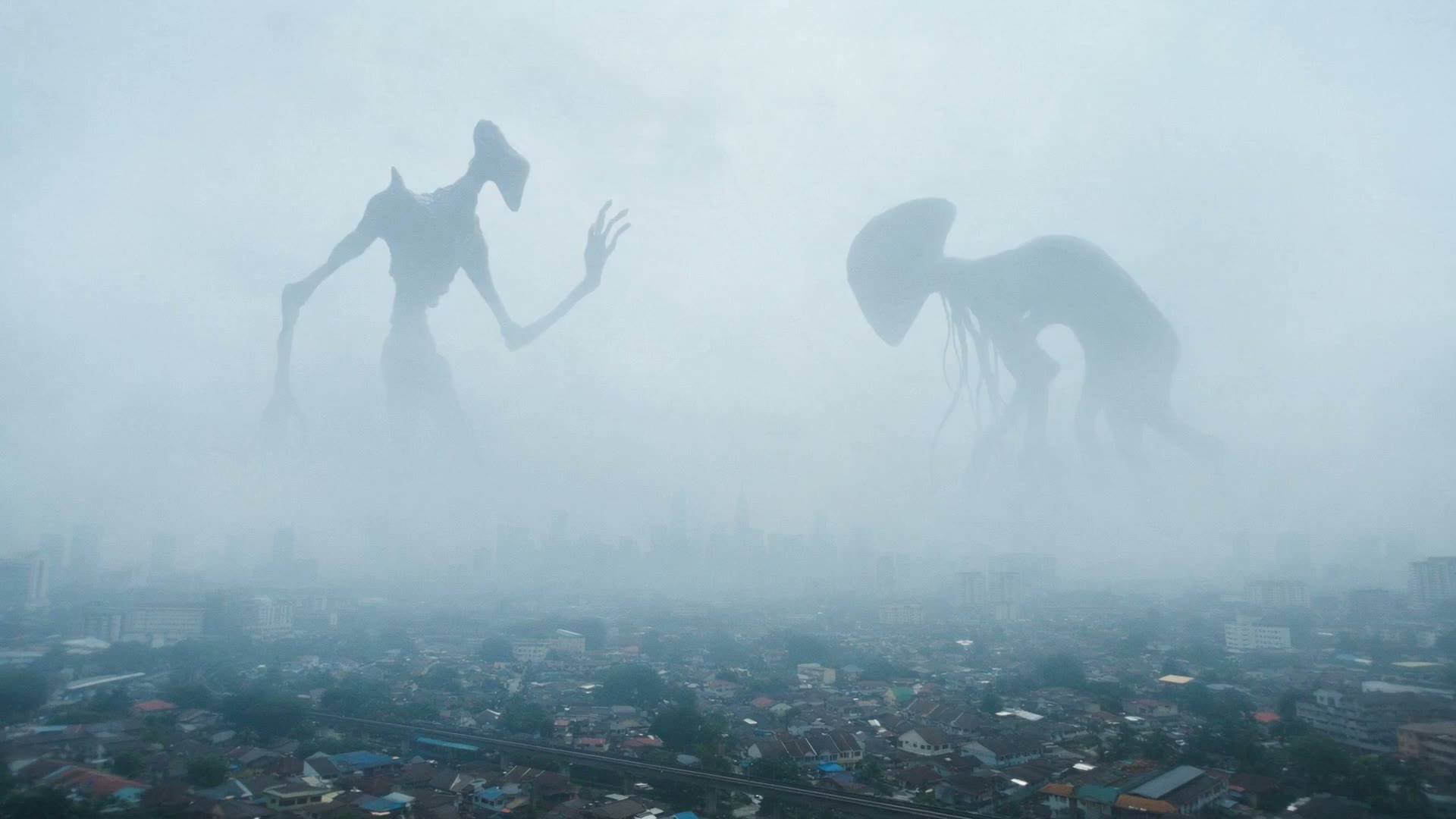
Seedance 2.0
Video models by ByteDance
Turn a prompt or image into a 4–15-second clip. Guide the opening and closing frames, describe the camera movement, and choose whether to generate audio.
2.0 Pro2.0 Pro-Fast
Turn a prompt or image into your next product video, campaign concept or social clip.
Create the look, then bring it to life. Work with image and video models in the same studio, with your references and previous versions close at hand.
Turn a prompt or image into a 4–15-second clip. Guide the opening and closing frames, describe the camera movement, and choose whether to generate audio.
Build product visuals, campaign concepts and the opening frame for your video. Use reference images to guide the subject, setting and visual style.
Connect your brief, references and AI models on one visual canvas. Build a path from the first idea to images and video, then change the inputs for your next campaign.
Build your first Flow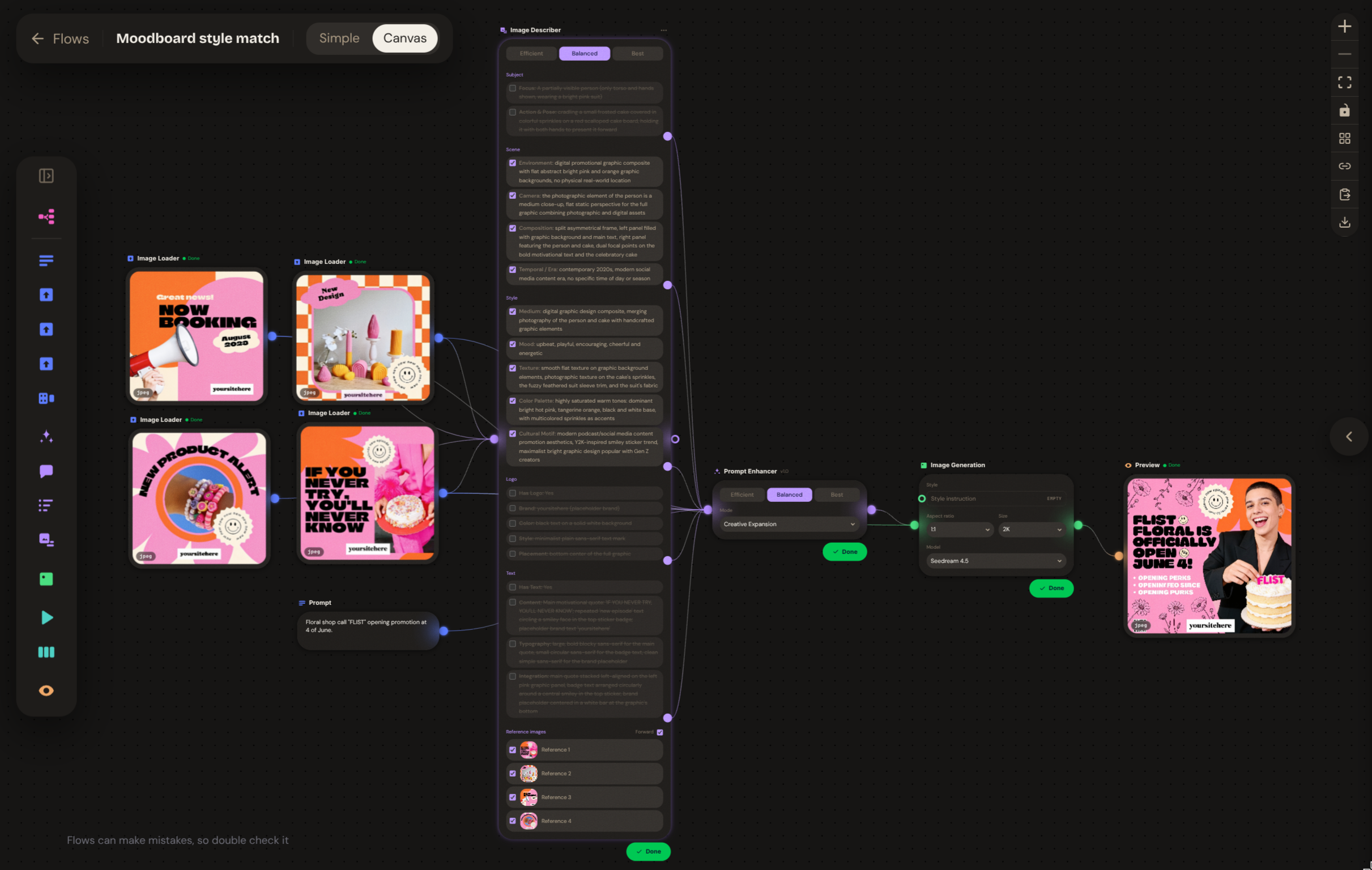
Keep prompts, references and generation steps together.
Reuse your saved Flow with a new product or creative direction.
Build on the canvas. Focus on inputs and outputs in Simple view.
Build a look, explore the motion and keep the versions worth sharing. Reverie connects those steps so your team can keep working from the same idea.
Bring the brief, a reference or an opening frame. Describe the subject, setting and movement you want, then refine the result as the idea develops.
Keep earlier versions while you try a new direction. Reuse prompts and references, compare the results, and return to the take your team wants to develop.
Turn a repeatable campaign into a Flow. Connect prompts, reference images and generation steps on a canvas, then update the inputs for the next brief.

Generate a product visual, explore a new setting or create a reference frame for your video. Work from a prompt or image, then keep your preferred versions as you refine the look.
Describe a slow push-in, a product reveal or a change in the scene. With Seedance 2.0 Pro, use first and last frames to guide a 4–15-second clip and turn on generated audio when the idea calls for it.

Upload a set of stills for 2K enhancement. Compare each result with its source, retry the images that need another pass, and download the set for your next edit.
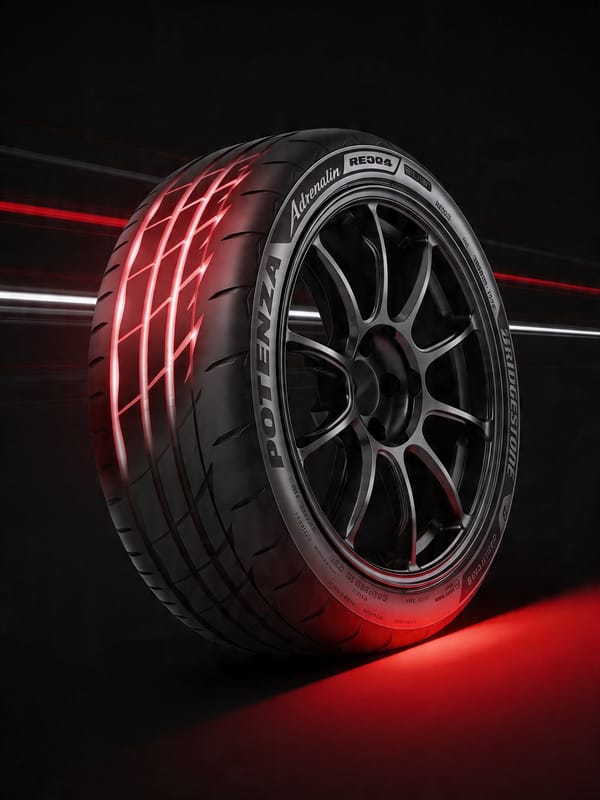
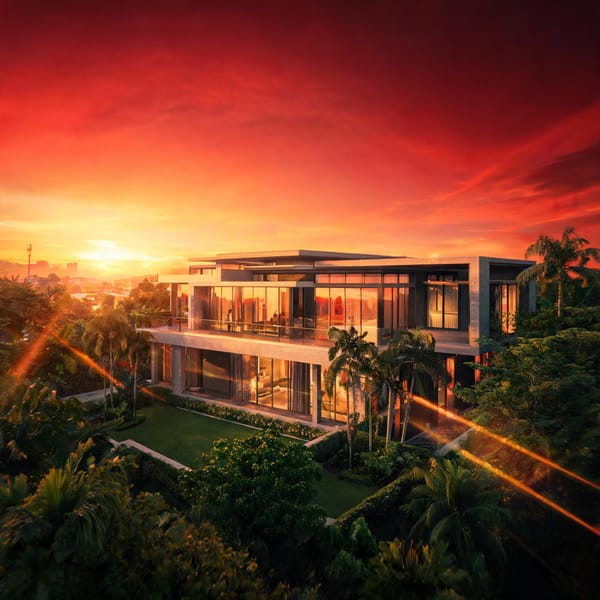
Explore product, beauty, automotive and interior visuals from the Reverie gallery.




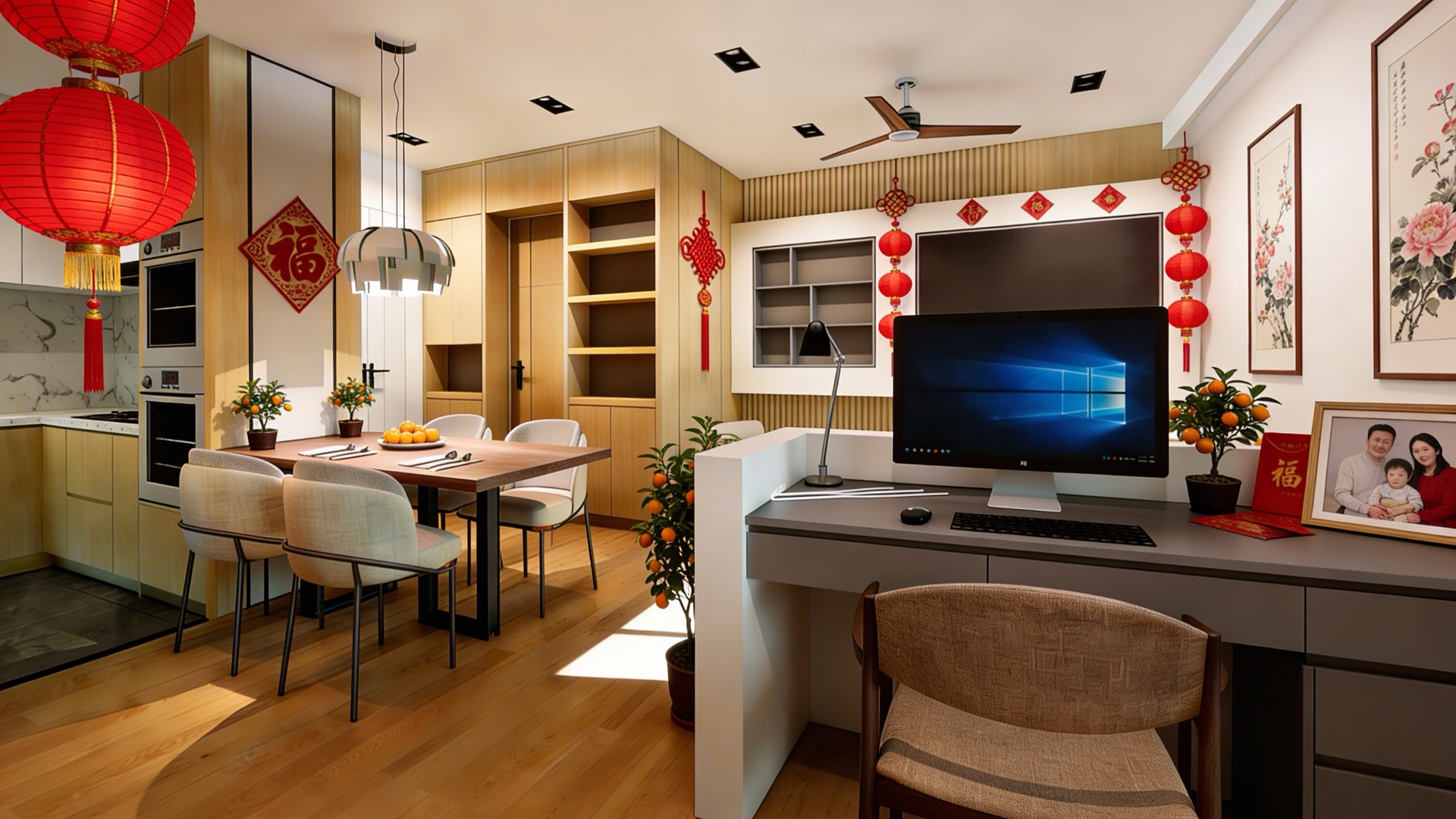
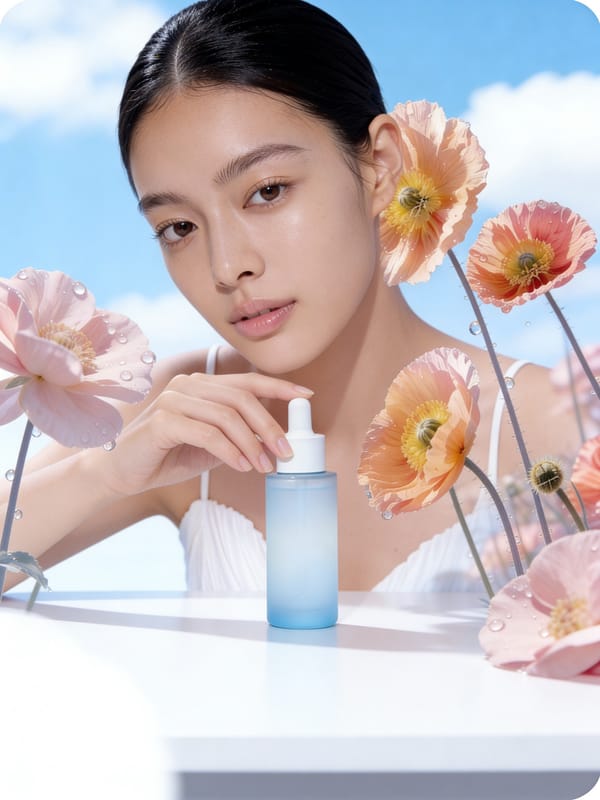

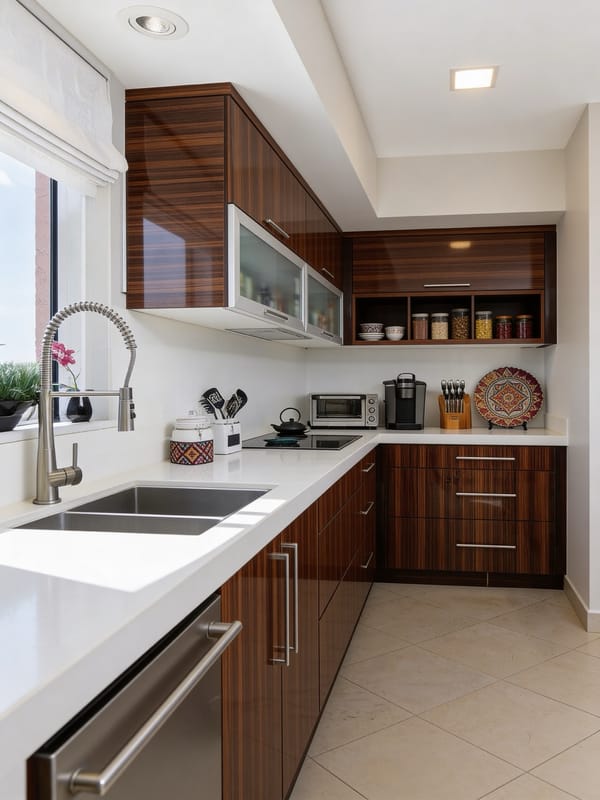
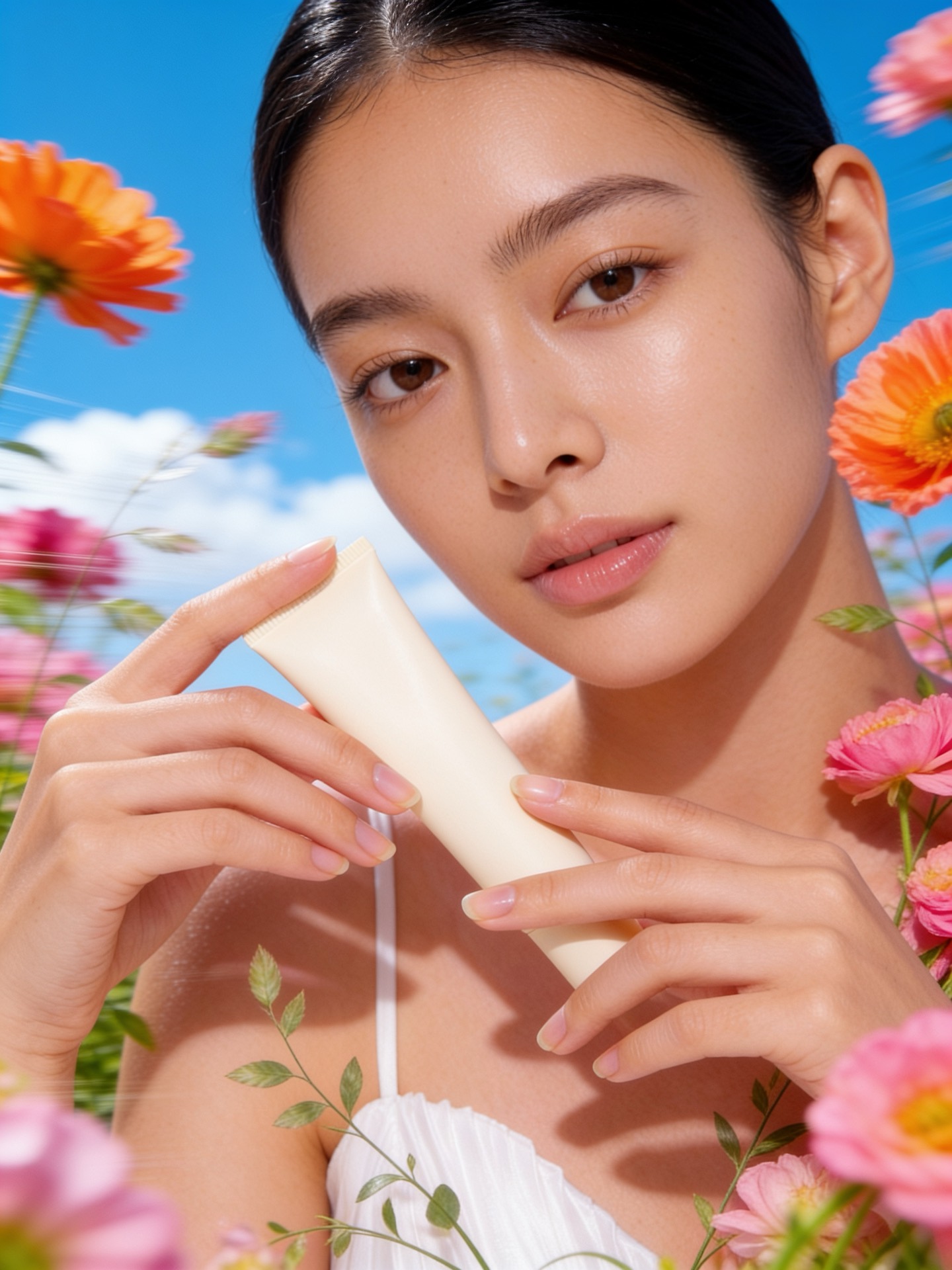

Browse digital-character references by gender, country and occupation. Choose a character that fits your brief and use the reference to guide the person in your video.
Organise images and videos by project and folder so each campaign has a clear home.
Keep earlier takes, reuse a prompt and choose the active version. A new direction does not have to erase the last one.
Choose a plan for your team size, with workspaces and admin controls to keep the work organised.
Connect prompts, references and image or video generation on a canvas. Save the process and change the inputs when the next campaign arrives.
Compare monthly plans for solo work and team projects. Credit use varies with the model, settings and length of each generation.
Every model, full-HD output, generation history and file management — built around your volume.
Prices in MYR. Credits reset each billing period and don't roll over.
Bring a product, a reference image or an idea. Open Reverie and create your first take with Seedance 2.0.